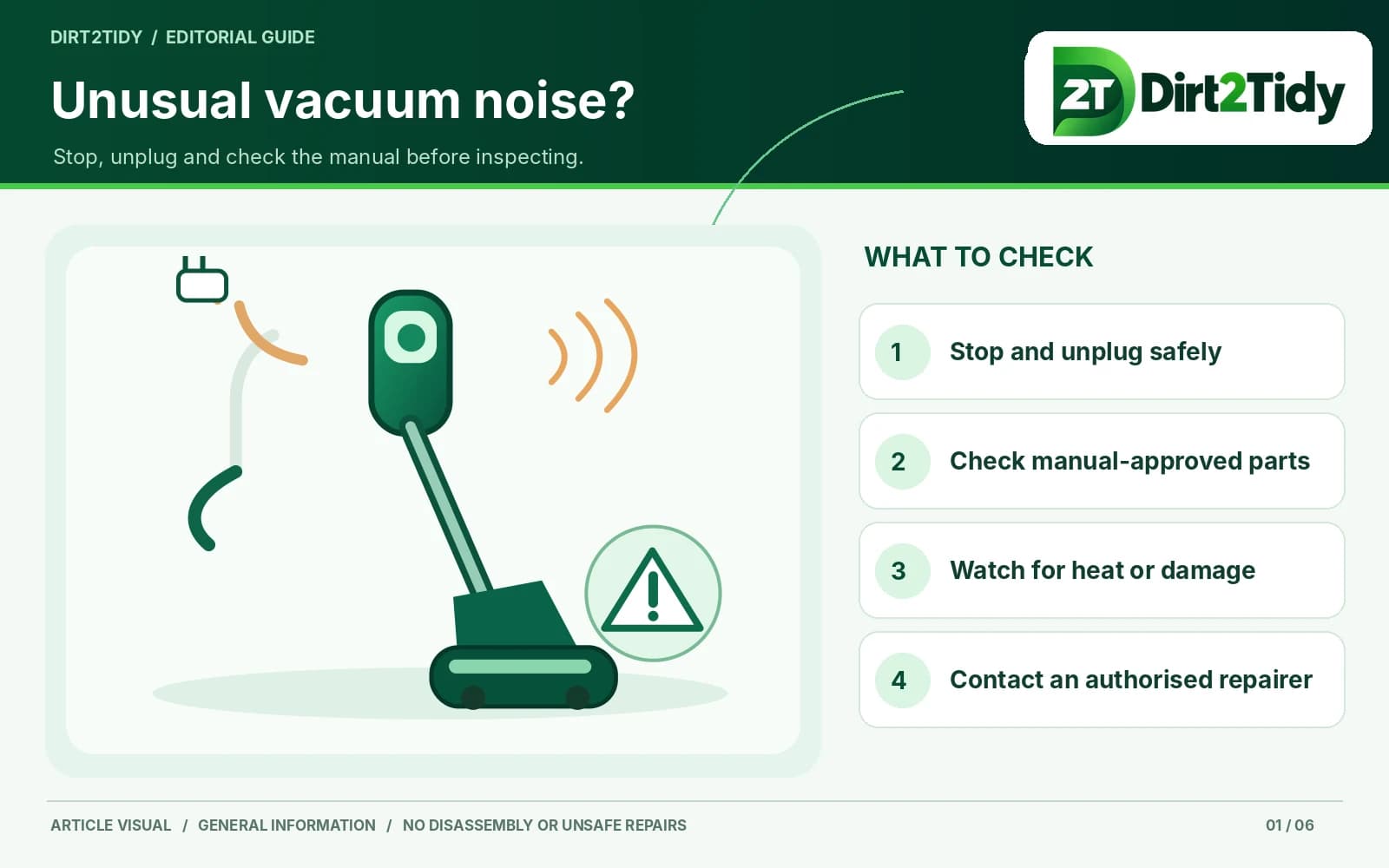
Stop operation and check for warning signs
Switch off and unplug the vacuum. If there is a burning smell, smoke, heat, visible damage or liquid exposure, do not restart it; contact the manufacturer or an authorized repairer.
Inspect only user-accessible areas
Following the manual, check whether the bin or bag is full, an accessible filter needs attention, or a hose or inlet is visibly obstructed. Remove only user-serviceable parts as instructed; do not use sharp objects or force a blockage.
Check the brush only if the manual allows
A brush roll may collect hair or fibres, but access and safe removal vary. Disconnect power before any user-approved inspection, keep fingers clear of moving parts and reinstall covers correctly.
Seek model-specific service
Persistent rattling, grinding, squealing or unusually loud operation may need repair. Stop using the appliance if it seems damaged and consult the exact model manual or an authorized Bissell service provider.